@bot1ca_bot Telegrama Bot

Botica — Аналитика для Telegram — Telegram Bot {{ $bot->code }}
Escaneie para abrir
Botica — Аналитика для Telegram — Telegram Bot {{ $bot->code }}
Endereço do frasco: @bot1ca_bot
Categorias: Analítica , Promoção e publicidade
Descrição de Bot

- Сообщество: @botica_chat - Служба поддержки: @botica_helper - Новости: @botica_father
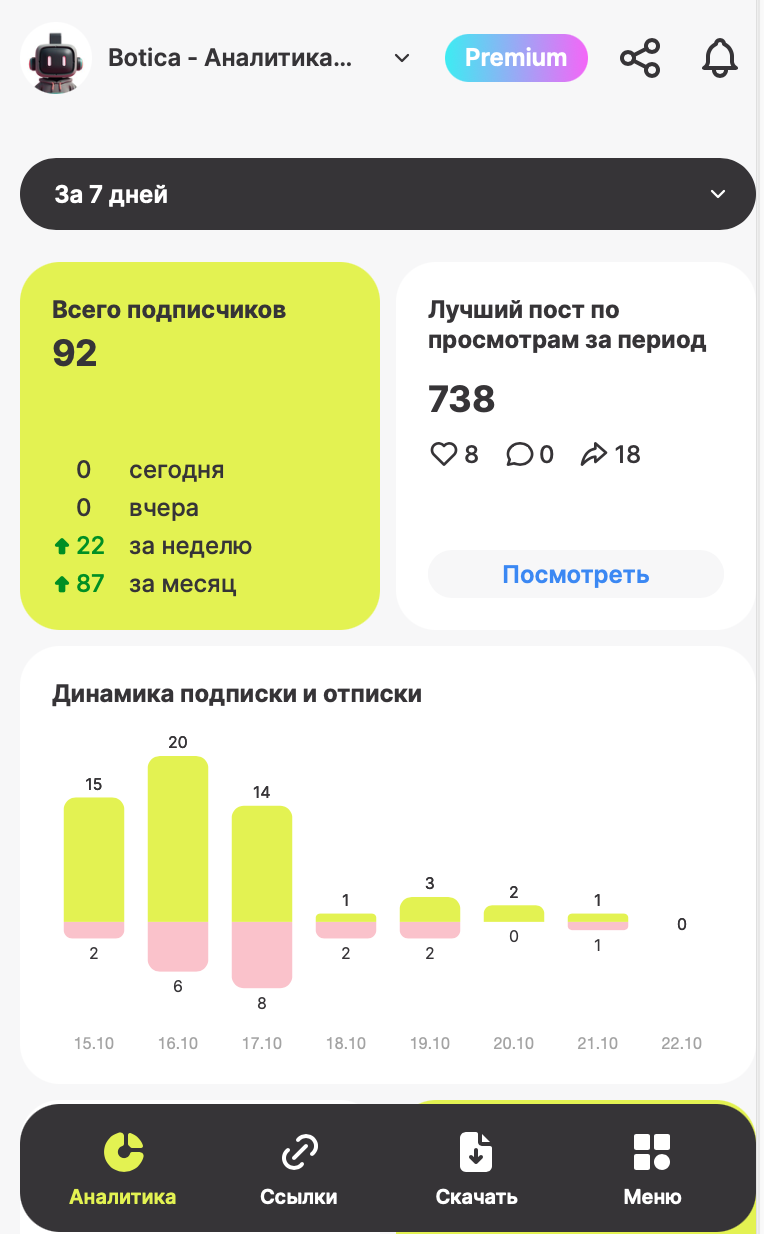
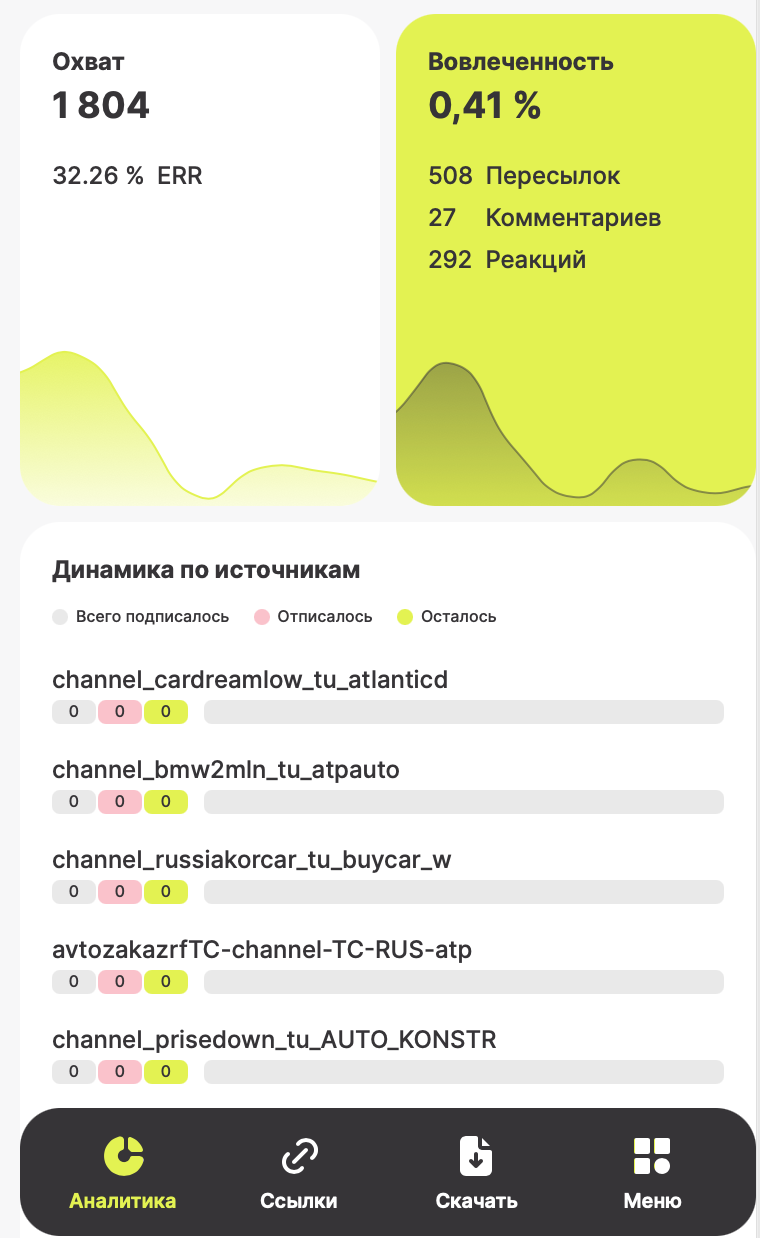
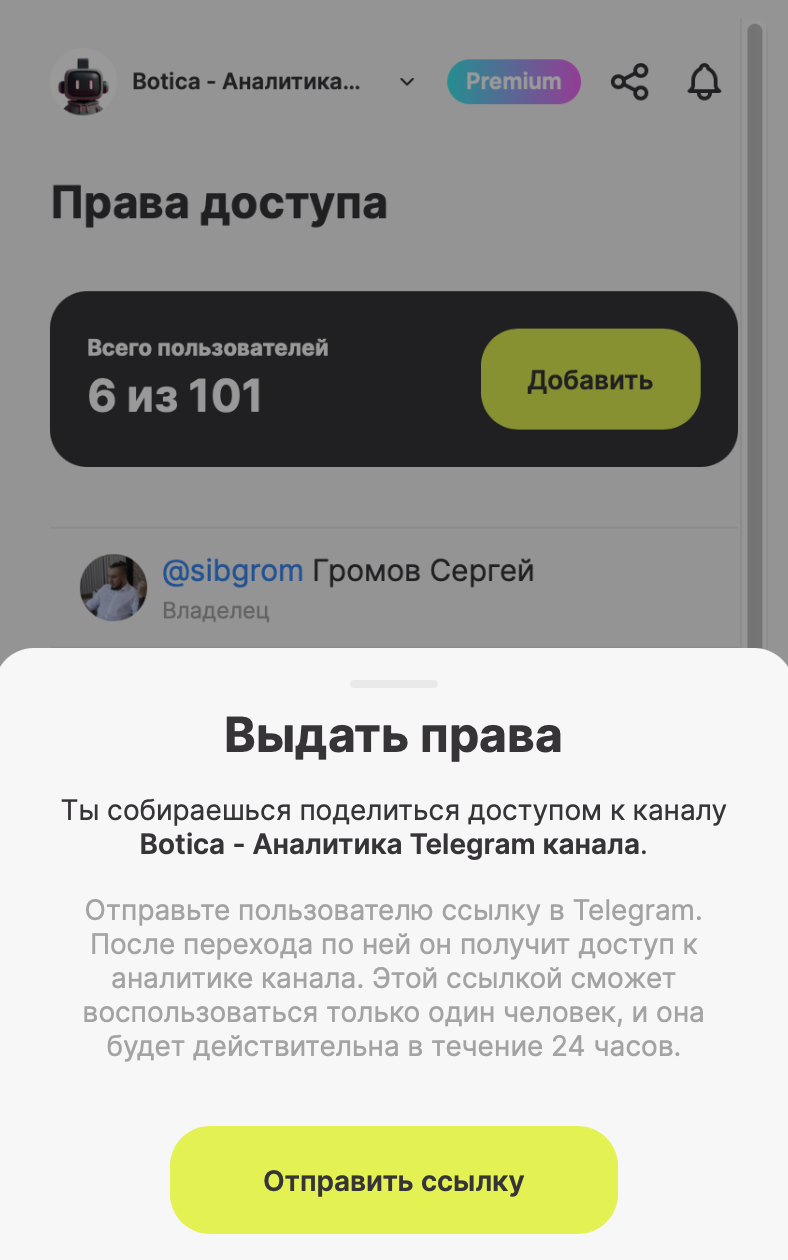
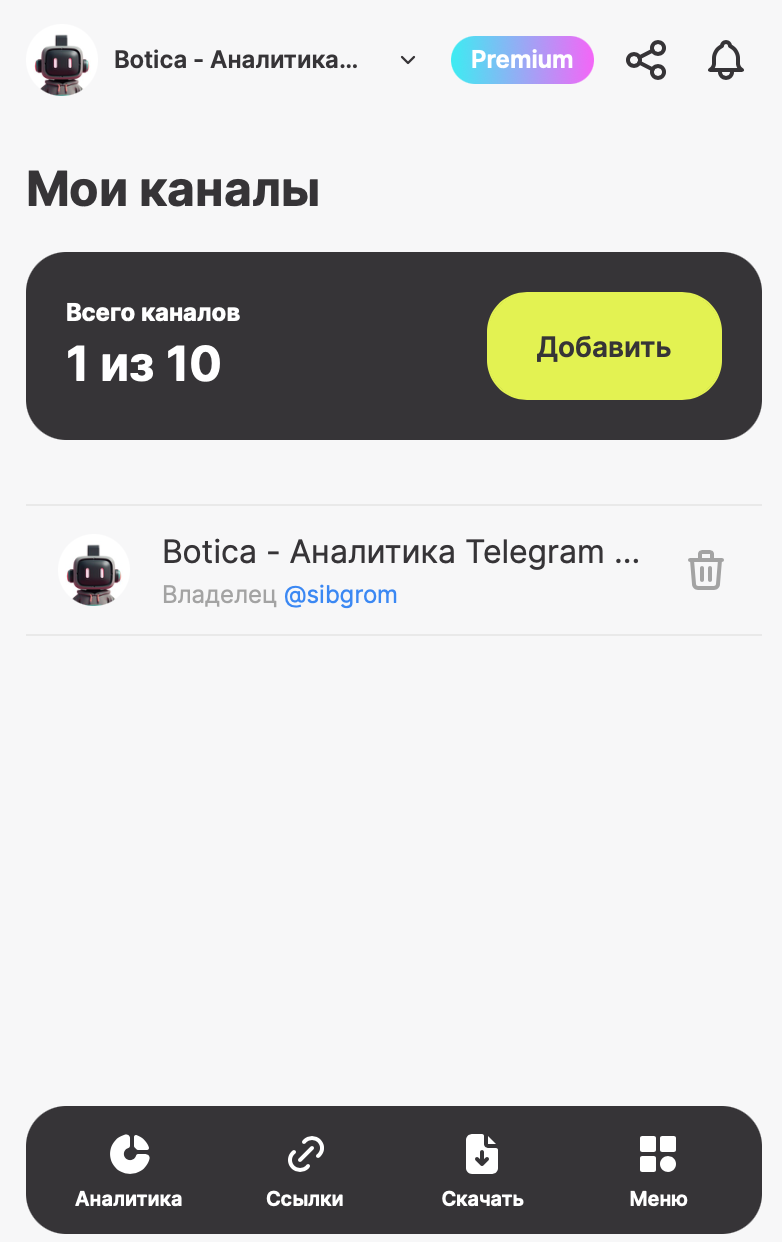
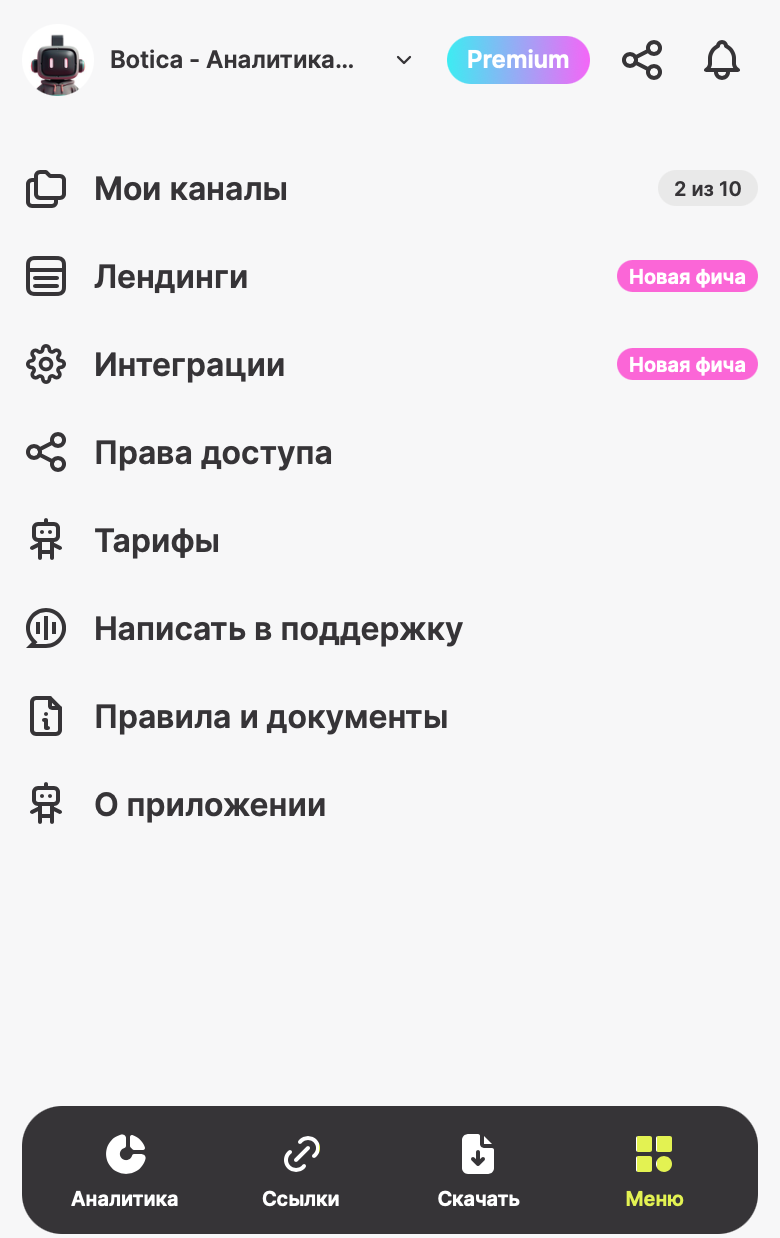
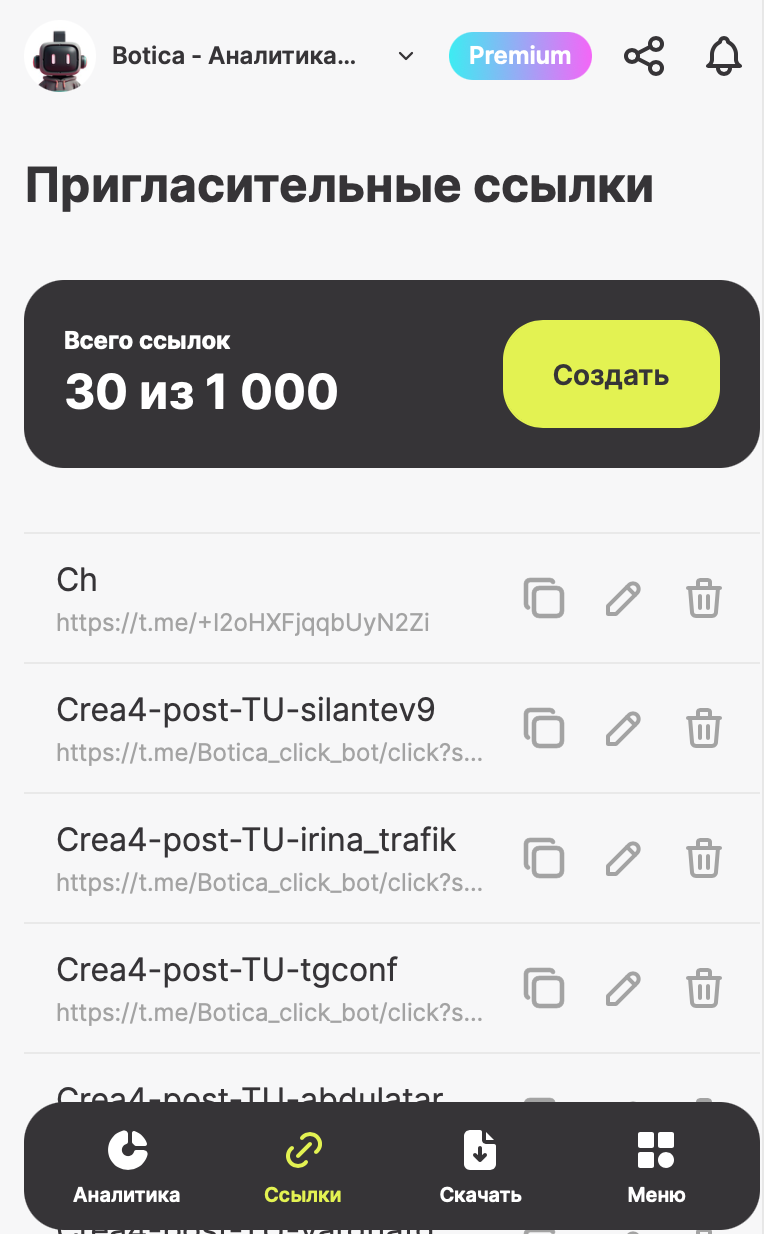
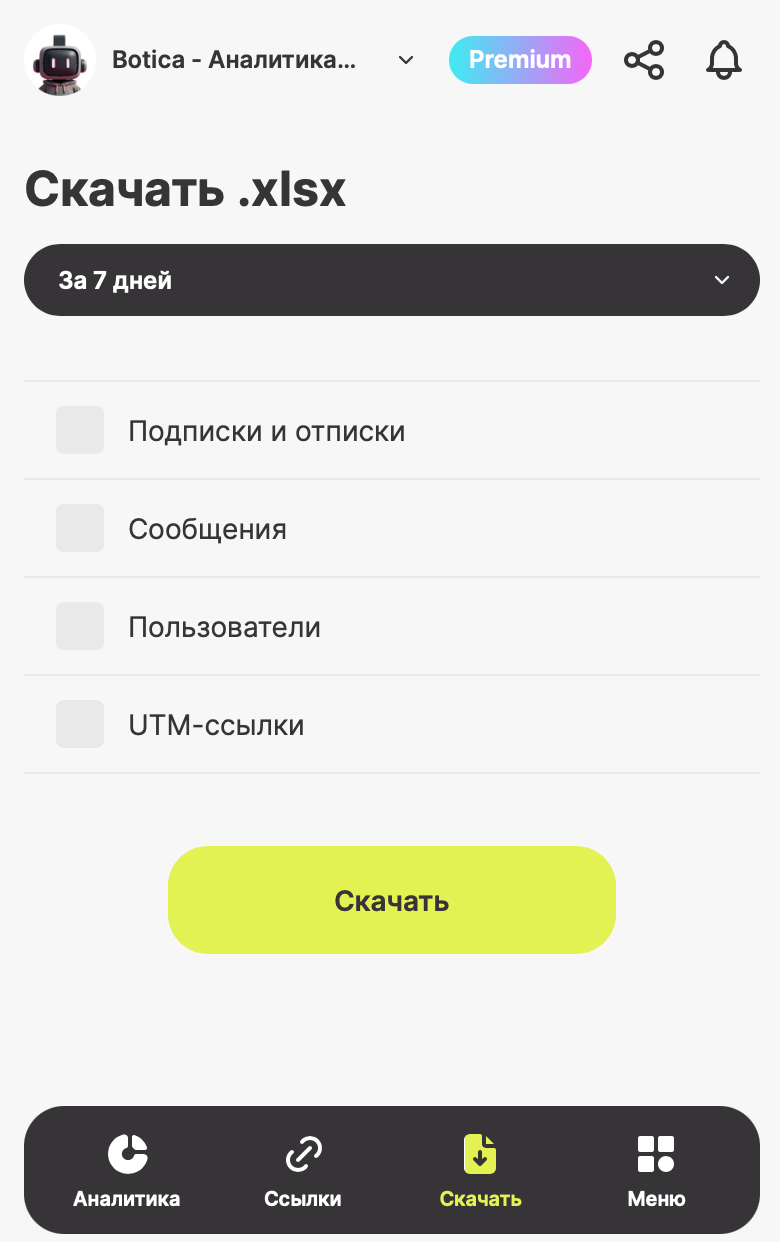
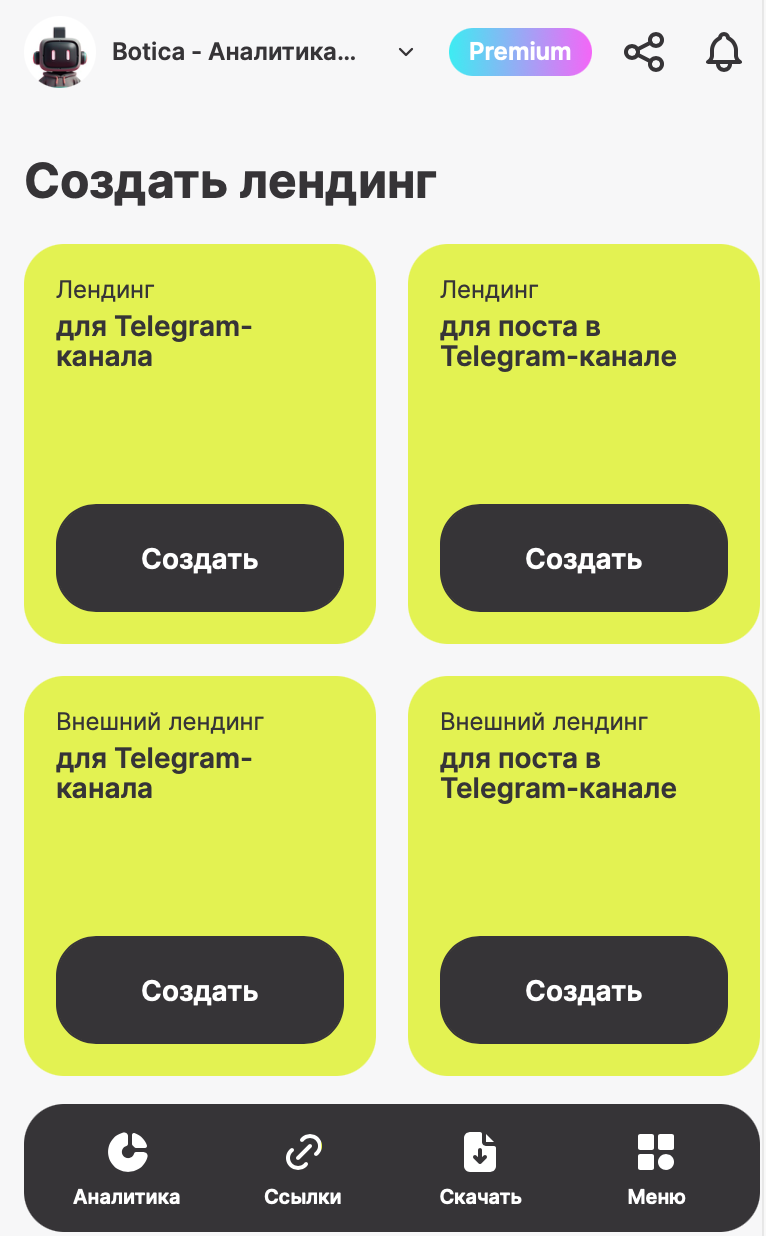
BOTICA — your reliable partner for growing your Telegram channel! BOTICA gathers all the key metrics of your channel in one place and presents them in a simple and easy-to-understand format. With this mini-app, you can track subscriber growth and loss over any period, see post performance, monitor audience engagement through reactions, comments, and shares, and identify your top-performing posts by views. You can analyze subscription sources, create invite links, and track who comes to your channel and from where. BOTICA allows you to export data on subscriptions and unsubscriptions, messages, users, and UTM links, add multiple channels to collect statistics for each, create landing pages for posts, channels, and external sites, integrate with Bitrix and other tools, and provide analytics access to colleagues or guests. Choose the plan that suits you best: Free to explore the functionality, Business for channel promotion, Premium for maximum control and growth, or Enterprise with customized terms for scaling your business. With BOTICA, you gain full control over your channel’s growth, deep insights into your audience and content, and the confidence that every day you’re making your channel better, more engaging, and more effective.

Compartilhar:
Transições para o bot: ( 31 )

Ratings & Reviews

3.00

3 reviews

Reviews can be left only by registered users. All reviews are moderated by admins.

5 stars

1

4 stars

0

3 stars

0

2 stars

2

1 stars

0


Botica — Аналитика для Telegram — Screenshot 1 Botica — Аналитика для Telegram — Screenshot 2 Botica — Аналитика для Telegram — Screenshot 3 Botica — Аналитика для Telegram — Screenshot 4 Botica — Аналитика для Telegram — Screenshot 5 Botica — Аналитика для Telegram — Screenshot 6 Botica — Аналитика для Telegram — Screenshot 7 Botica — Аналитика для Telegram — Screenshot 8

Como começar

1

Abrir o bot no Telegram

Clique no botão "Abrir bot" acima para abrir este bot no aplicativo Telegram
2

Iniciar a conversa

Pressione o comando /start ou toque no botão Iniciar para começar a interagir
3

Explorar recursos

Use o botão de menu ou digite /help para descobrir todos os comandos disponíveis

Perguntas frequentes

Perguntas comuns sobre bots do Telegram

Um bot do Telegram é um programa automatizado que executa diversas tarefas no mensageiro Telegram. Os bots podem enviar mensagens, responder perguntas, processar comandos, automatizar fluxos de trabalho e fornecer serviços como previsão do tempo, tradução ou gerenciamento de tarefas.
Clique no botão "Abrir Bot" nesta página e envie /start no chat com o bot. Siga as instruções do bot ou use os comandos disponíveis no botão de menu. A maioria dos bots suporta o comando /help para ver todas as funcionalidades.
A maioria dos bots do Telegram é segura. No entanto, evite compartilhar informações pessoais sensíveis, senhas ou dados de pagamento se não confiar no desenvolvedor. Verifique avaliações, comentários e número de usuários antes de usar.

A maioria dos bots do Telegram é completamente gratuita. Alguns bots oferecem recursos premium por meio de assinaturas ou pagamentos únicos, mas a funcionalidade básica geralmente é gratuita. Consulte a descrição do bot para informações de preços.

Bots são programas interativos que respondem a comandos e automatizam tarefas. Canais são plataformas de transmissão onde administradores publicam conteúdo. Você interage com bots (bidirecional), enquanto canais oferecem comunicação unidirecional.
Os comandos dos bots começam com uma barra (/) como /start, /help ou /settings. Digite o comando e envie ao bot. Muitos bots também possuem um botão de menu com os comandos disponíveis. Alguns bots avançados entendem linguagem natural.